This readme file is specifically for the create_vm_v3_basic Bash script.
The setup instructions are the same as all other Bash scripts in this repository. This file is provided as additional/supplemental information for this specific code sample.
Please see the main page for general instructions.
Once you have configured your system to run these scripts (see link above), the script can be run as follows.
Edit create_vm_v3_basic.json and change the Prism Central IP address to match your environment.
"cluster_ip":"10.0.0.1"
Edit create_vm_v3_basic.json and edit the following variables to suit your requirements:
 "username":"admin"

.. code-block:: json

 "vm_name":"BasicVMViaAPIv3"
Execute the script:
./create_vm_v3_basic
Verify the script ran successfully and that the create VM API request returned HTTP code 202:
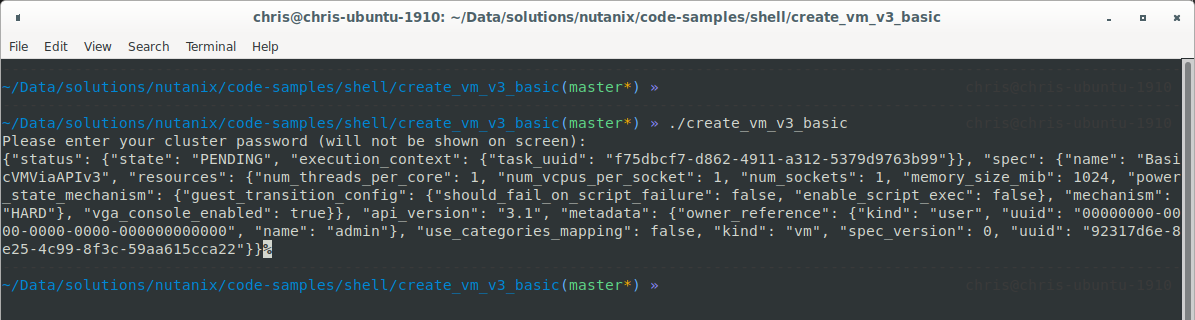
If you prefer, you can also check Prism Central to ensure the VM was created successfully.
