Download Git according to Windows, Linux, Mac
git config --global user.name "Your Name"
git config --global user.email "youremail@xxx"
- Add your public key
Note: Here is the document about how to add the ssh key.
-
Open (https://github.com/algorithm004-01/algorithm004-01) in your browser, and click "Fork", choose your own namespace.
-
Clone repo:
 git clone https://github.com/your_namespace/algorithm004-01.git
 or
 git clone git@github.com:your_namespace/algorithm004-01.git
-
Choose the base branch on group fork
git checkout master -
Write your own code
-
Commit your changes in local repo.
git add /path/to/files/you/changed
git commit -m 'XXX submit xx homework code'
-
Push local commits to
your_namespace/algorithm004-01:mastrin GitHub:git push origin master -
Create pull request from XXX to
algorithm004-01/algorithm004-01:master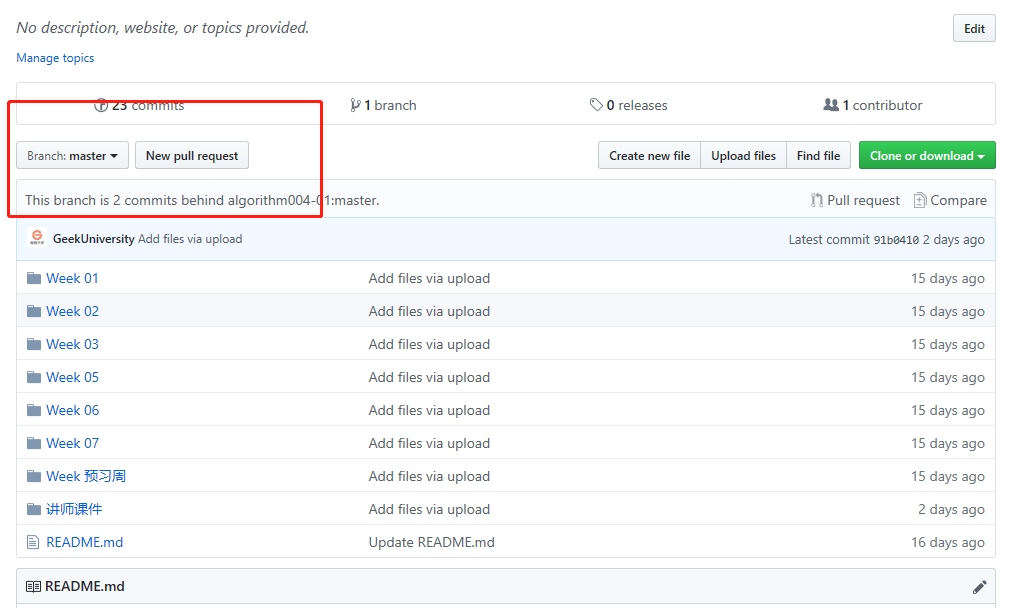


More Git Tutorial: